November 4, 2026
SaaS Marathon Bench
Can a model carry a long piece of business work across the software a company really runs on? Each task crosses several apps among HubSpot, Attio, Notion, Gmail, Google Calendar, Drive, Docs and Sheets, Granola, Mercury, Clay and lemlist. Models work through the GUI, by computer use on the screen, and through the CLI, over the apps' REST APIs and MCP servers together. Only what's in the apps at the end counts.
Why we built it
What would it take to hand an AI agent a real afternoon of business work?
We aren't talking about answering one email. Picture a client disputing an invoice (the example is ours, not one of the ten). The fee they agreed to is in a call note. The amendment is in a document somebody half wrote. The money, or some of it, is in the bank feed under a label that means nothing. The CRM still believes last quarter's story. Before anyone can reply, someone has to read all of it, decide what's true where the apps disagree, fix the records, write the document and draft the email, in the right places, under the right names.
No single screen holds the answer, and no single tool call gets you there. Plenty of agent benchmarks test one app or one call at a time. A good score there tells you a model can operate software. It doesn't tell you whether it can carry a thread of work across the software a business really runs on.
SaaS Marathon Bench tests the thread. Every task crosses two to six apps. Every model runs every task over the APIs and, if it can read a screen, on the screen too. And nobody marks the model's homework by reading what it says it did: only what's in the apps at the end counts. By that measure, 25% of all runs passed.
Here's the scale of this version, and why each number is there.
10
long tasks
Few enough to repeat, and each one is a thread of work rather than a step.
2–6
apps in every task
The hand-off between software is the point, so no task lives in one app.
10–30
checks per task
A pass means getting all of a task's required checks right, not most of them.
11
models
Frontier, open-weight and cheaper models in one harness. DeepSeek V4 Flash and GLM 5 read text only, so they run over the CLI alone: 20 rows in all.
3
runs per task, per row
Long agent runs vary a lot, so one run of a task proves little.
600
runs
Each one is an end state read from the apps, not a transcript someone read.
How we built it
A company already in motion
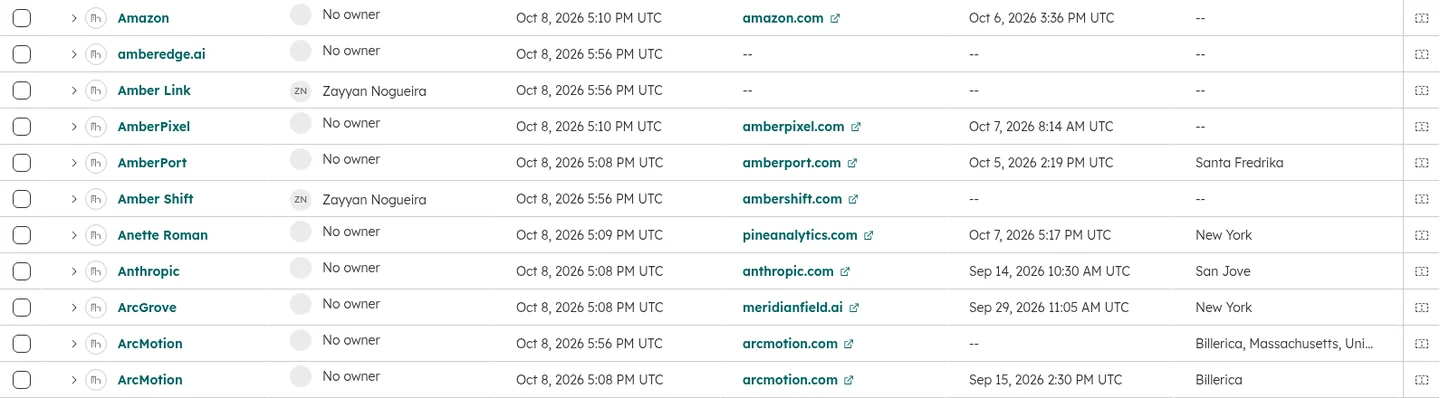
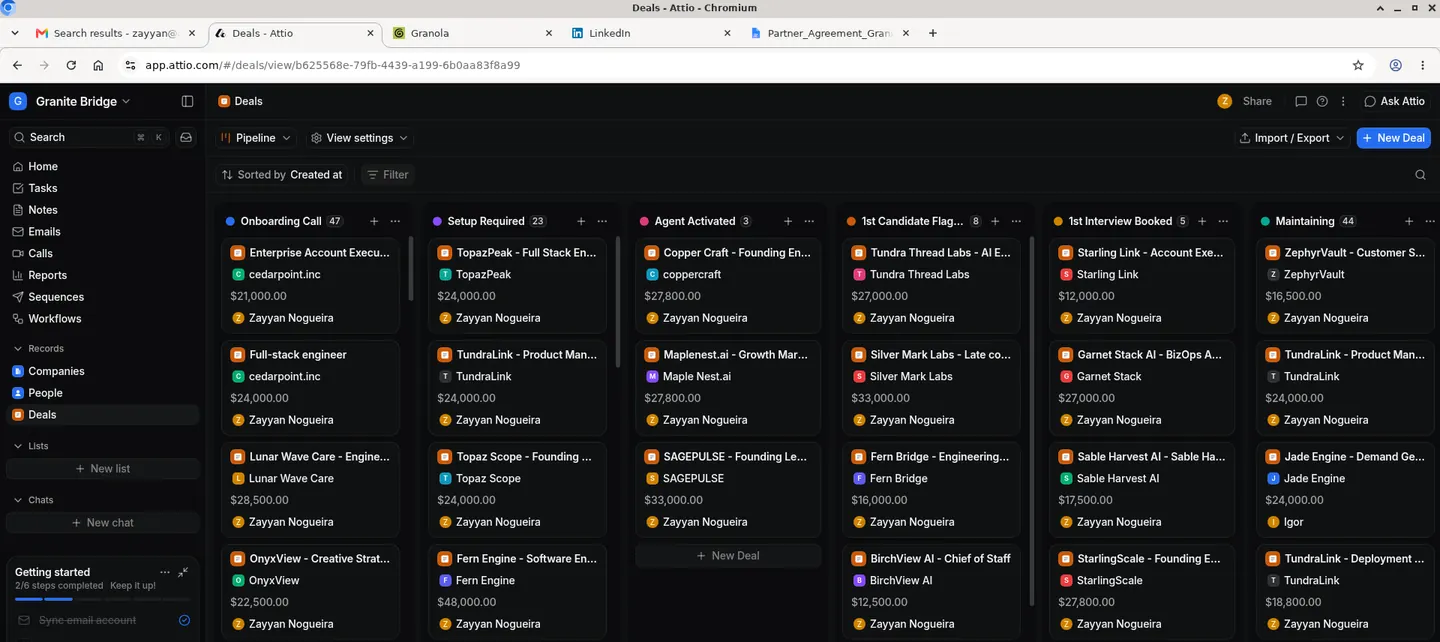
Each task opens in a working business, not an empty account. Mail, meetings, call notes, records and transactions are already there, spread across HubSpot, Attio, Notion, Gmail, Google Calendar, Drive, Docs and Sheets, Granola, Mercury, Clay and lemlist, with the contradictions real records have.
The agent is told who it's acting for and what needs to happen. It isn't told which records hold the answer, or where the rules that govern the work are kept.




How we chose the tasks
We ranked the business tasks in our catalog by how many apps they span and how varied their jobs are, then took the top ten. The test is using more than one piece of software, not mastering any one kind. Finance, sales operations, account work and outreach all appear, and no two tasks do the same job.
Every task has to be finishable through both interfaces. Where a task needs a write the real product's API doesn't offer, we added it to our sandboxed copy of the app, so a missing endpoint can't count against a CLI run.
How big the work is
These aren't one-prompt jobs. Tasks span two to six apps and carry 9 to 27 required checks each, and a row's median run takes between 42 and 453 steps. The reading comes before any of the writing, and the writing has to agree across apps.
What the tasks don't tell you
The hard part of this work is rarely the clicking. It's that the instruction leaves things out, the way a colleague's would. A rule that matters may live in a different app from the work it governs. Two records may disagree, and only a third says which is right. A record the job needs may not exist yet, and then the job includes creating it: an agent that gives up because it couldn't find one has failed.
An agent that needs to be told where the traps are isn't reducing anyone's workload.
Two interfaces, one world
In a GUI run the model sees screenshots of a desktop with the apps open in a browser, and acts with the mouse and keyboard. In a CLI run there is no screen: the model calls each app's REST API and MCP server, both offered in one run, and reads what they answer.
Both interfaces of a task use the same world, the same instructions and the same checks. A click and an API call aren't equal, and neither is their cost, so a cheaper or stronger interface is part of the result.
AI agent
GUI: the screen, by mouse and keyboard
CLI: REST APIs and MCP servers
No shell
Shell / bash access fails the run
Internet
No route from the sandbox
Gateway
Resolves the apps' hostnames
Logs every connection
Only way in or out
Private network · no internet
CRM
- HubSpot
- Attio
Work and documents
- Gmail
- Calendar
- Drive
- Docs
- Sheets
- Notion
Calls and meetings
- Granola
Finance
- Mercury
Prospecting
- Clay
Sequencing
- lemlist
Seeded before the run
Every app starts with data in it
Web archive
Archived copies of websites on their own hostnames, never the live site
Apps call each other over the network
lemlist sends through Gmail
Grader
Reads each app's records through the gateway after the run is frozen
Every model runs in the same harness. Our shared GUI and CLI loops give each model the same tools and instructions. Claude and Gemini models are asked for high reasoning effort, and the others run at their defaults. No model runs in its maker's own agent, and fallbacks are off, so no other model can answer a turn that counts for this one. Each of the 20 rows ran each of the ten tasks three times. All runs of a task used one frozen version of it, and no app received a new version while they ran.
How it's graded
Only the end state counts
When a run ends, its sandbox is frozen and its apps are read through a grader's own access: the records in the CRM, the mail actually sent, the events booked, the documents and sheets written, the transactions marked.
An end-state check is one question about that state: does this record now hold the right value, did this message reach the right person. What the agent says it did is never graded. If the summary claims the email went out and the mail log says otherwise, the mail log wins.
A pass is all of the required checks
Each task has 9 to 27 required checks, and a run passes only if every one of them does. That's the number on the leaderboard and every chart on this page: the share of a row's runs that passed. We rank on it because partial credit can make unfinished work look done.
Checks also carry weights, which give a run a partial score. That score goes in the downloadable results. It never decides a rank.
Pass@1 and Pass@3
The leaderboard ranks on Pass@1: how often one run of a row passes, the pass rate. Beside it sits Pass@3: the share of tasks where at least one of the row's three runs passed. Pass@1 says what you get from one try. Pass@3 says what's within the model's reach, if you can tell which try worked. It's taken over ten tasks, so it carries no interval.
Scoring rules
A run that works past two hours counts as failed. So does a run its batch's spending budget kept from finishing. No valid answer, a refusal, running out of context or a provider's content filter stopping the model's own prompt also counts as failed.
Guards: what had to stay untouched
Doing the job isn't enough if the agent breaks something on the way. Required checks also guard what the task didn't ask to change: a calendar left alone, a message drafted and not sent, a list of people nobody should contact. A stray write where a guard sits fails the run.
What counts as new work
Credit counts only what changed from the start, and every task has required checks that need new work to exist.
Where a model reads, and what it can't decide
Some things state can't show, like whether a reply answers the question it was sent. There a model reads the end state and judges one criterion: Claude Opus 5.5 first, then Kimi K3. Claude Opus 5.5 is also on the leaderboard. No judged check is required. Judged checks carry 21% to 29% of the weight on the tasks that have them, and the two judges gave the same verdict on 99% of the checks both answered.
- The document exists and was shared
- KindRequired
- Weight3
- ResultPassed
- The email reached the right recipient
- KindRequired
- Weight2
- ResultPassed
- The CRM record holds the right values
- KindRequired
- Weight3
- ResultPassed
- Nothing was sent that should only be drafted
- KindRequired
- Weight1
- ResultPassed
- The reply answers what was asked (judged)
- KindWeighted
- Weight1
- ResultNot earned
Why did models fail?
Pass rate says how often. These say how. Each pattern below comes from the runs' own records, described in general terms, because the worlds and the checks stay private.
Done, and wrong
A run is meant to end when the model decides the work is finished and says so. In 344 of the 453 failed runs, 76%, that's exactly what happened: the model stopped on its own, with the work not done. The apps said otherwise: a required record missing, a value wrong, a document not written. An agent that can't tell it has failed hands its mistake to whoever trusts the summary.
One check short
A long task has many ways to go wrong, and a pass needs none of them to. 109 failed runs, 24% of them, missed exactly one required check. Every other required check held, and one record or message didn't. We count these as failures on purpose. A business doesn't get partial credit for the one wrong invoice.
The rule lived in another app
A task can depend on a rule kept in a different app from the work, with nothing in the request pointing to it. In one such task, 38 of 60 runs broke the rule. The other 22 never got far enough to break it. No run both did the work and kept the rule. Reading the rules is part of the job, even when nobody points at them.
Read it, then left it
An answer can sit across several apps, with no one record stating it. Some runs read the records that point to it. Most of them left the hardest record as it was. What was in front of them never reached the system of record, so the job stayed undone.
Versions
- v12026-11-04First public version: ten tasks, 11 models, GUI and CLI, three runs per task per row.
Cite it
@misc{superposition2026saasmarathon,
  title        = {SaaS Marathon Bench: long business tasks across several apps, through the GUI and the CLI},
  author       = {{Superposition}},
  year         = {2026},
  howpublished = {\url{https://saasmarathon.dev}}
}